Importing your contacts (spreadsheet/CSV)
Already have a list of people and companies? Bring them in from a spreadsheet, no manual typing. The import walks you through three simple steps and shows you exactly what's happening.
Three steps
- Upload your spreadsheet.
- Match your columns: tell Doers Movement which of your columns is the first name, the email, the company, and so on.
- Watch it import: a live progress bar shows rows going in as they're processed.
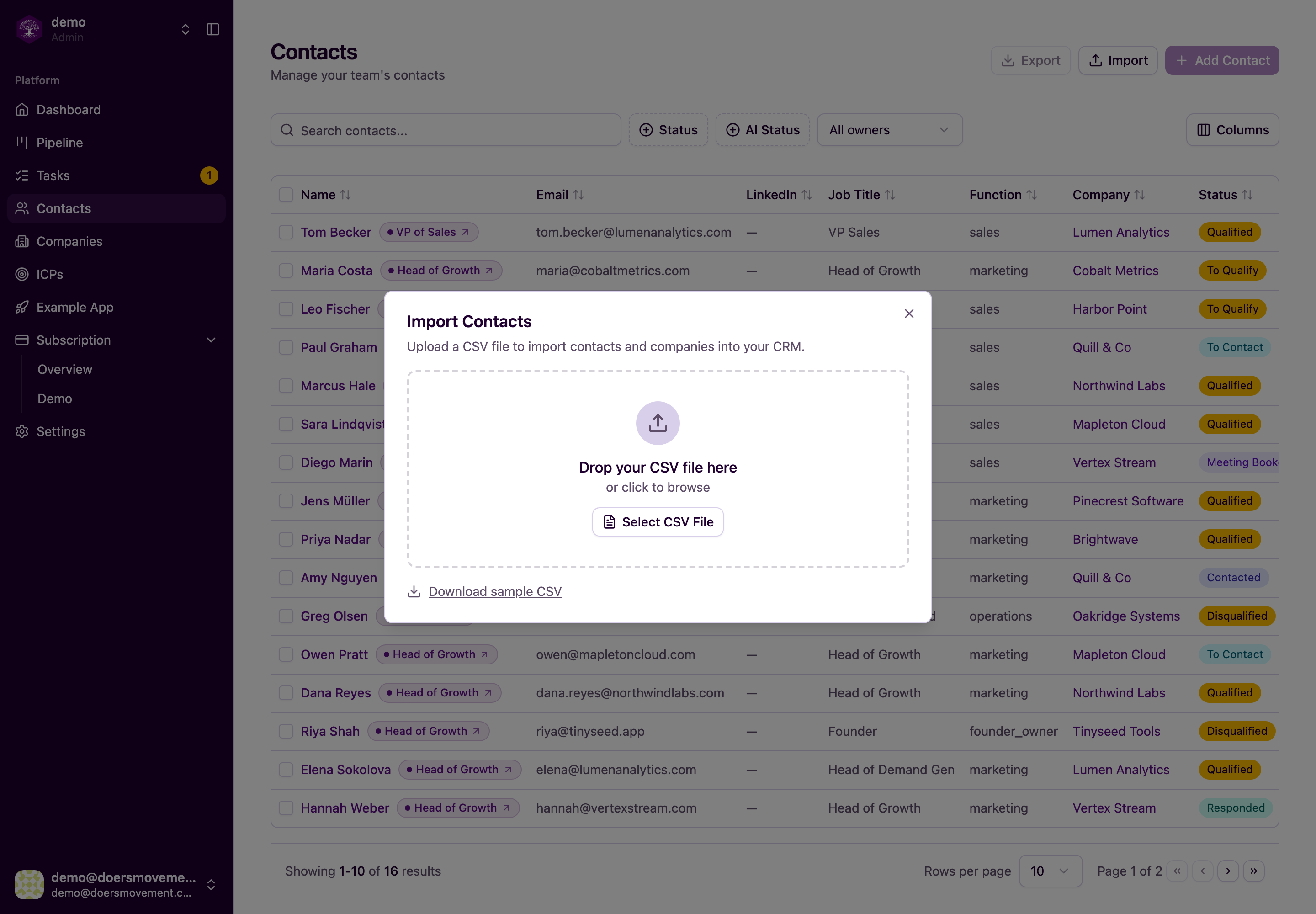
What you need in the file
The bar is low, but a few things are required so each record is usable:
- For contacts: at least a first name and either an email address or a LinkedIn link.
- For companies: a company name, plus its website or LinkedIn company page so we can recognise it.
Beyond the essentials, you can map in plenty more (company information, the person's status, and other fields), so your records arrive complete instead of bare.
Optionally, you can assign everyone in the import to a single persona and ICP up front. Handy when you're importing one targeted list at a time.
Who owns what you import
Decide up front who will work the list, so nobody has to sort it out afterwards. When you match your columns, admins see Assign Owner:
- Pick a teammate and they own every record the import brings in. For a contact list, that includes any new companies those people work at — so a teammate gets the whole account, not just the names.
- Leave it on Unassigned and both the contacts and the companies stay unowned: the shared pool anyone on the team can pick up.
If you're a member rather than an admin, there's nothing to choose: what you import is yours. And if the teammate you picked leaves the team before the import finishes, their records simply stay unassigned. See Who can see and do what.
No duplicates, no overwrites
Importing the same people twice won't clutter your CRM. Doers Movement recognizes who's already there:
- Contacts are recognized by their LinkedIn profile first, then by their email. The same profile link written slightly differently (with or without
www, a trailing slash, or accented letters spelled out) is still the same person, and an email matches whatever its capital letters. - Companies are matched by their LinkedIn company page, then by their website. A row with only a company name, or a stand-in like "Self-employed", doesn't add a company. The person is still imported, just without a company.
When it finds a match, it fills in the blanks (adding details you didn't have) rather than overwriting the information you've already built up. The contact keeps its owner and its stage too. Your existing data is safe.
This works the same way however a person arrives: a spreadsheet, the Leads Extractor, your LinkedIn network, the Add Contact form, or your AI Agent. Add someone who's already there and you get the contact you already have, not a second copy.
See exactly what happened
When the import finishes, you get a per-row result: each line is marked imported, failed, or skipped, with a reason. So if a row didn't go in, you'll know why (a missing email, or a duplicate already on file) and can fix and re-import just those.
Use a normal spreadsheet saved as CSV with a header row (the top row that names each column). Big files are no problem: the import works through them in the background, so you can keep using Doers Movement while it runs.
Next
- Doing things in bulk: act on many records at once after importing
- Contacts: work with the people you just brought in
- Import a lead list (CSV)
Bringing in your LinkedIn network
If you connect your LinkedIn account, you can bring the people you're already connected to straight in as contacts — and keep new connections arriving as you make them. Nobody is messaged automatically, and full qualification only starts when you ask for it. Your AI Agent sorts new arrivals for you: see Possible Fit and screening.
They arrive owned by you, because they're your network — no assigning needed before you or your AI Agent can work them.
Teammates often know the same people. If someone in your network is already in the CRM (a teammate imported them first, say), they aren't added twice: the existing contact stays with its owner, and your connection with them is added to it. Everyone on the team then sees their own real relationship with that person on one contact.
Each one comes in with their LinkedIn headline, so you can see what people do the moment they land. People who connect with you later get theirs within a few hours of connecting.