Sharpen your ICP and qualification rules
What you'll get: an ICP that matches your real target, the right company shape, plus clear rules the AI uses to judge every prospect the same way.
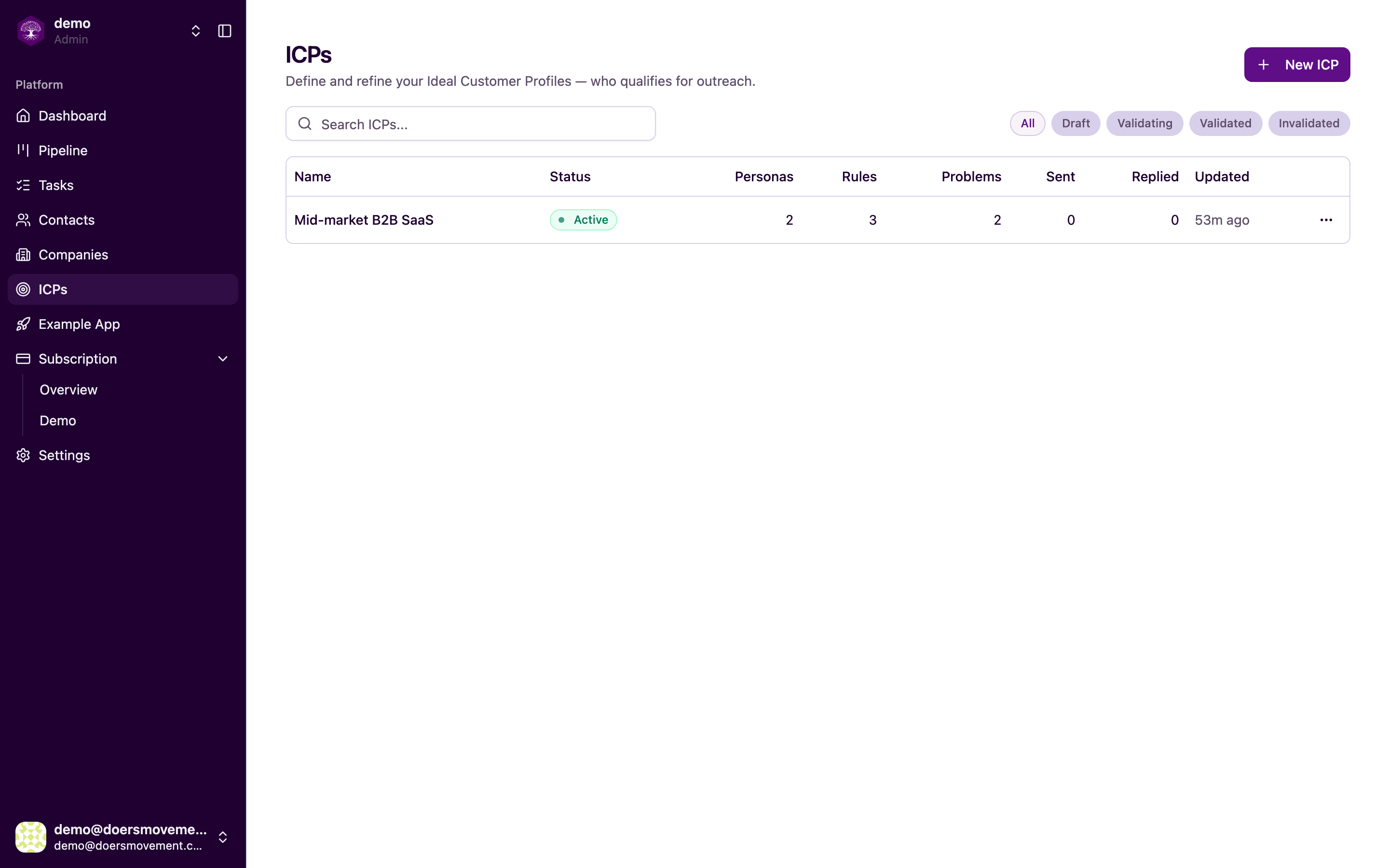
After onboarding you already have a starter ICP. This is where you make it yours.
1. Open your ICP
Click ICPs in the sidebar, then open the one you want to work on.
2. Check "Who qualifies": your hard filters
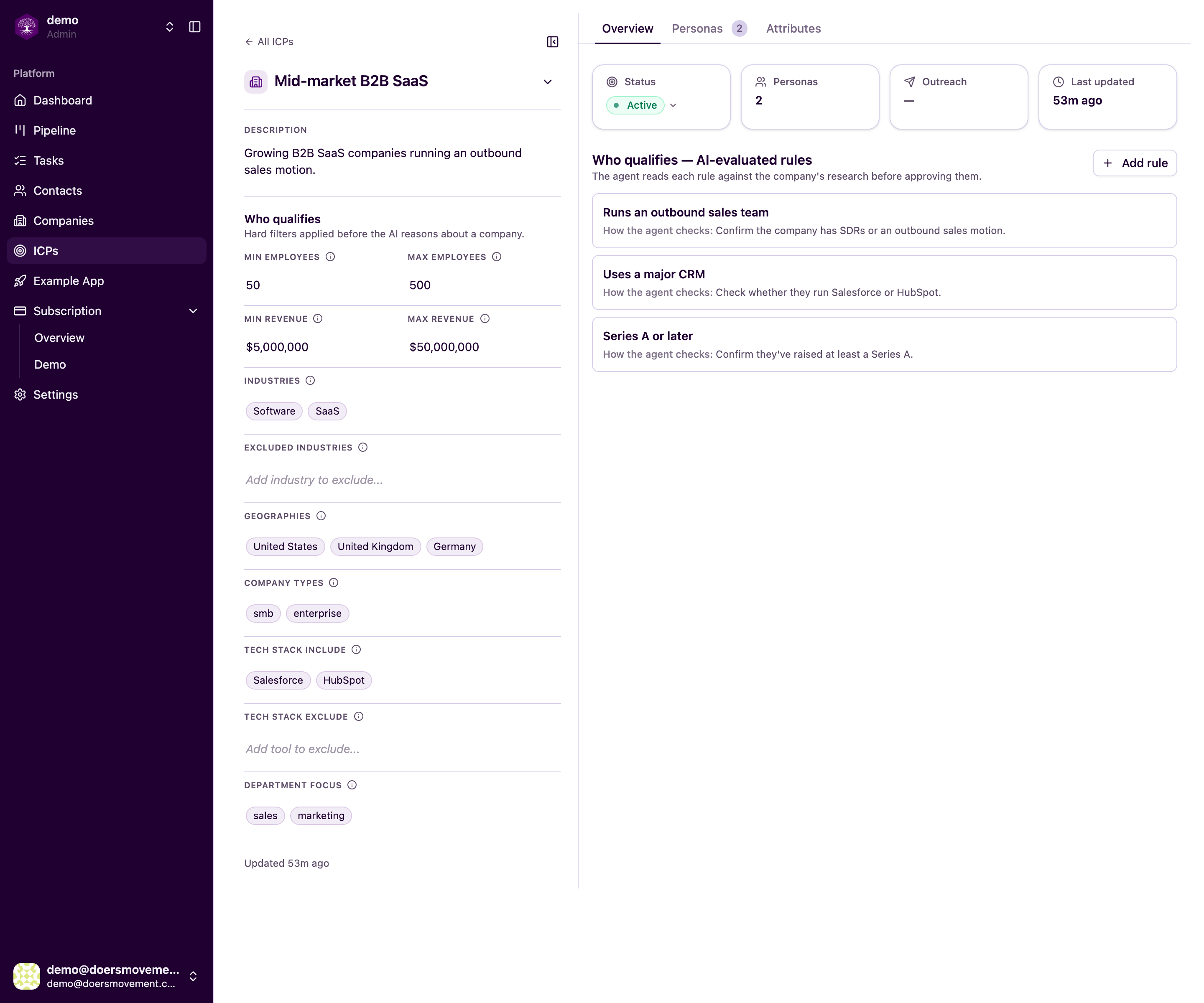
On the Overview, the Who qualifies panel holds the quick, non-negotiable limits: company size, revenue, industries, locations, company types, the tools they use, and the department you sell into. Anything outside these is filtered out before the AI spends a second reasoning about it.
Click any field to edit it. Tighten the bands until they describe the companies you actually win.
3. Add AI-evaluated qualification rules
The AI-evaluated rules (under Who qualifies, shown on the right above) is where the judgment calls live. Click Add rule and fill in two things:
- Rule name: a short label, e.g. "Runs an outbound sales team."
- What the AI should look for: plain language describing what the AI should look for in the company's research.
Each rule becomes a card. Hover a card to edit or delete it. The AI checks every rule against the facts the Researcher gathered and shows its reasoning.
Start with 2 or 3 rules that really separate a qualified prospect from a disqualified one. You can always add more and re-judge, see Re-tune your qualification rules and re-judge.
4. Add person-level rules on each persona
A qualified company can still have the wrong contact. Open the Personas tab, pick a persona, and go to its Contact qualification rules sub-tab. Click Add rule and describe what makes a qualified person (e.g. "Owns the pipeline target"), using the same two fields as before.
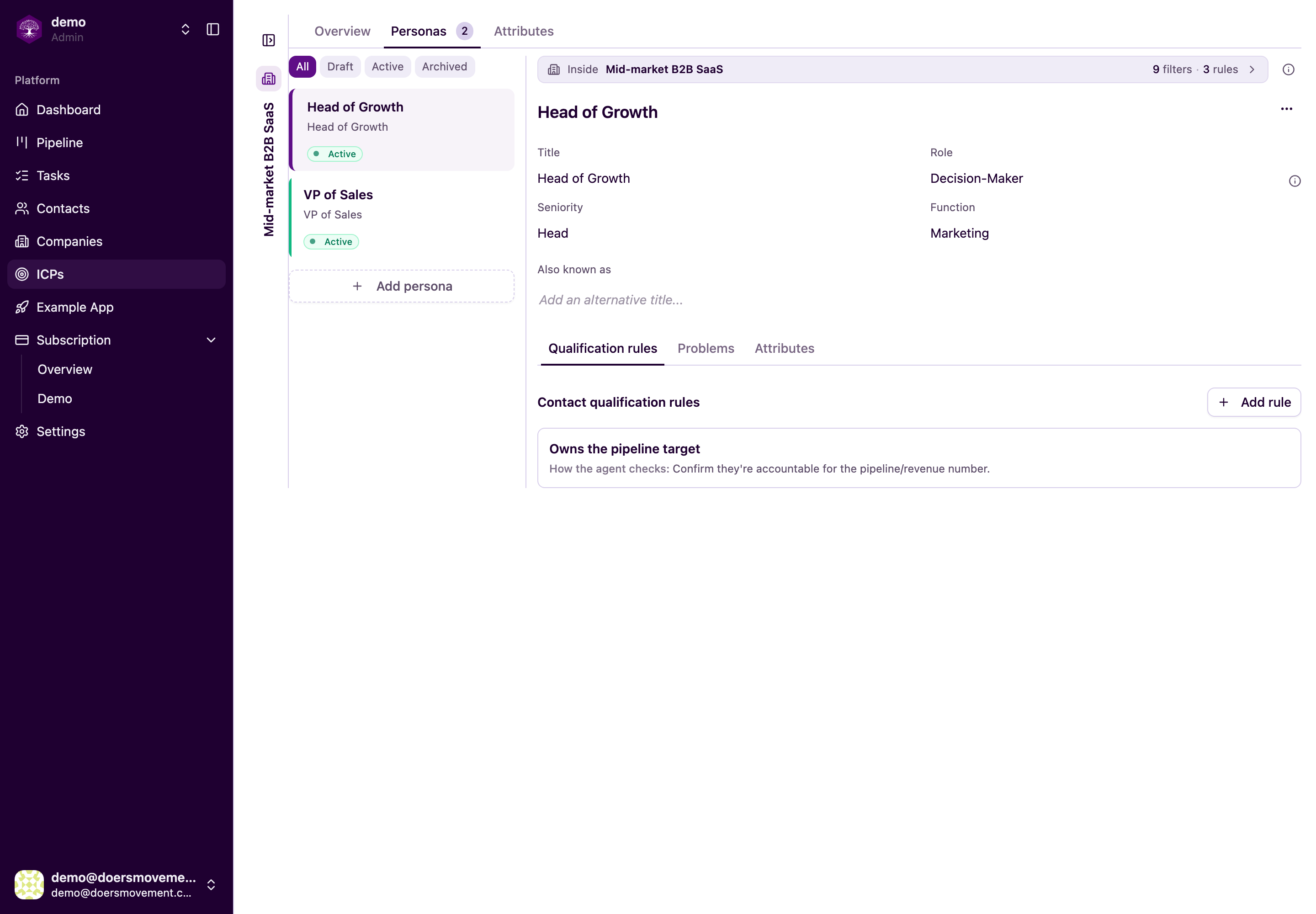
A contact only qualifies when both the company rules and the persona rules pass.
You'll know it worked when…
Your Overview shows your own filters and qualification-rule cards, and your personas each list a rule or two. The next time you qualify a prospect, the verdict will cite exactly these rules.
If the ICP is locked (it shows as validating/validated), you can't edit its filters or rules. Clone it first and edit the copy, see ICPs.
Related
- How Qualification Works: what the verdicts mean
- Attributes: the facts your rules are checked against
- Bring in your leads: the next step